What goes into the record
Write what changed, keep it dated, and take one page to the vet. These are the seven parts of that job, in the order you meet them.
Quick Add
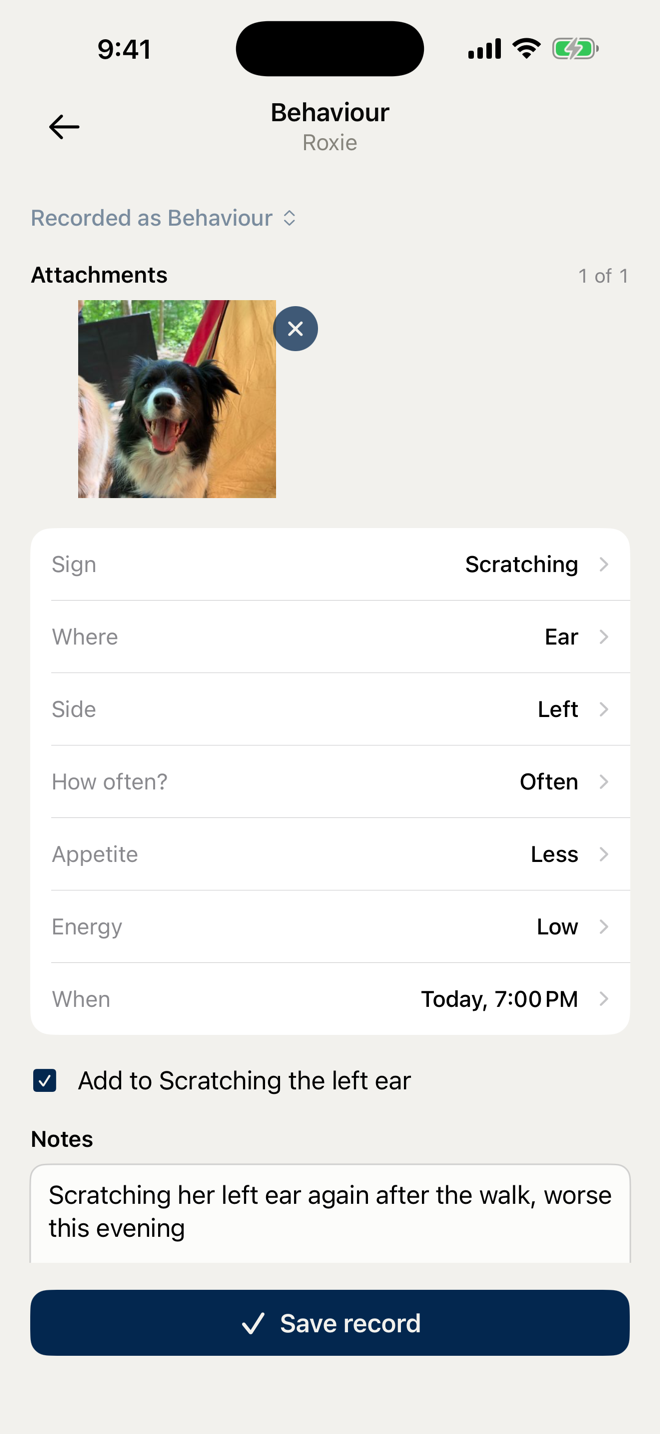
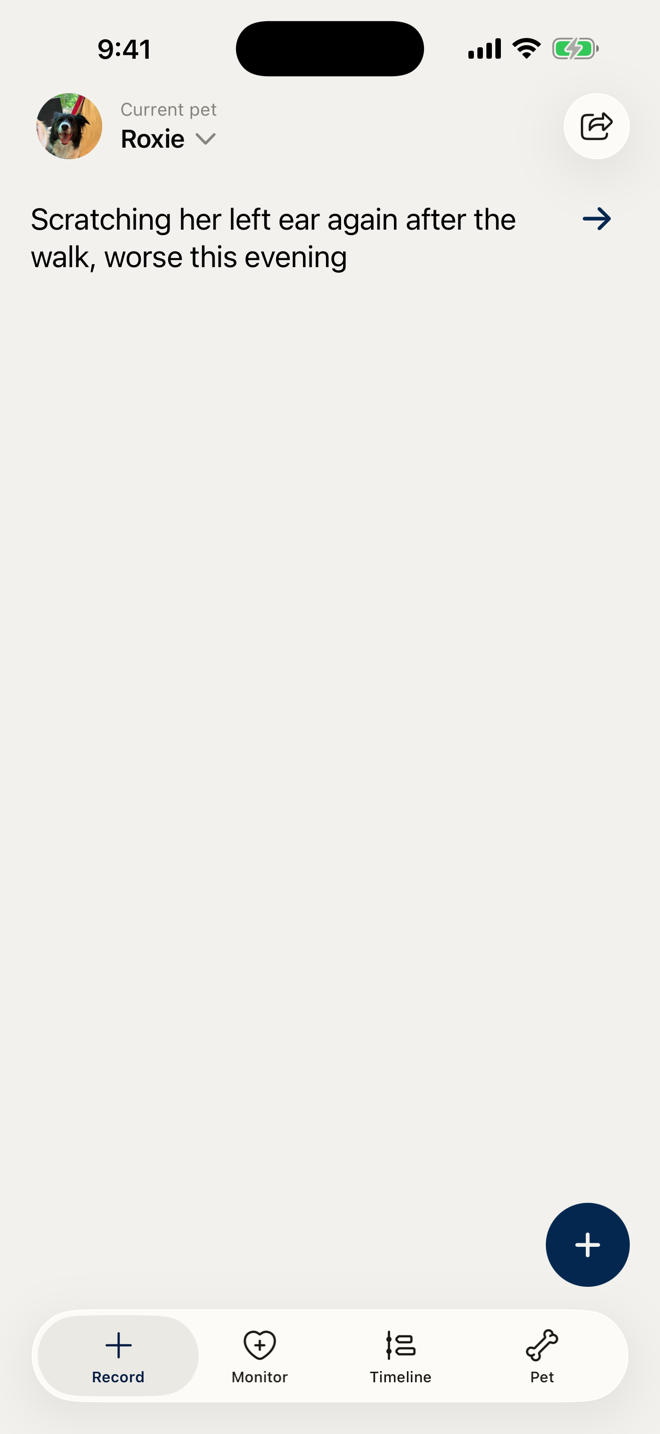
Write one sentence and CovePet fills the matching fields.
Type what you noticed in your own words. CovePet finds the date, the sign, the place, the dose, and fills the matching fields on the phone. Nothing saves until you review it.
Timeline
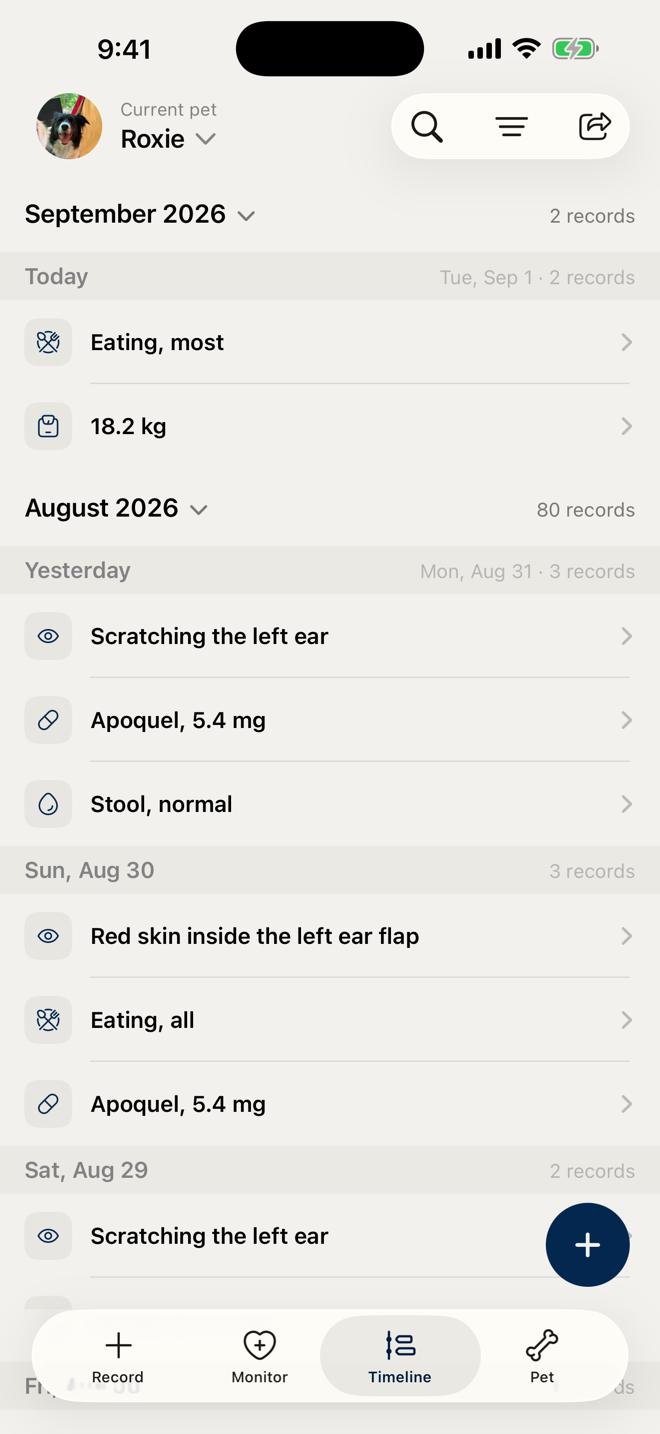
One line per record, in order, with the time on every one.
Every record for a pet in one continuous list: symptoms, meals, medication, weight, vaccines, visits. Search it, filter it by kind, and read a week back at a glance.
Health Concerns
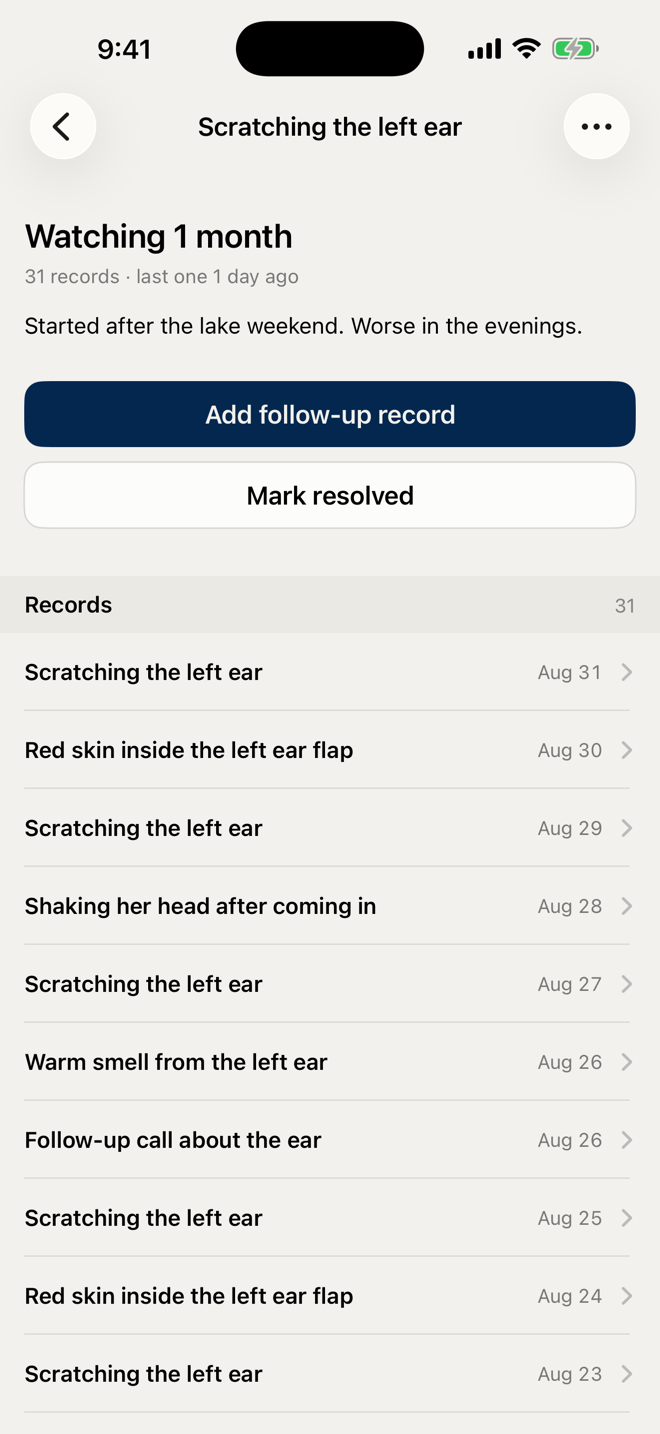
Related days, grouped into one concern you can watch.
When the same thing keeps coming up, group the records under one Health Concern and mark it Watching, Stable, or Resolved as it moves. The Monitor screen lists what is being watched and the findings behind it.
Vet summary
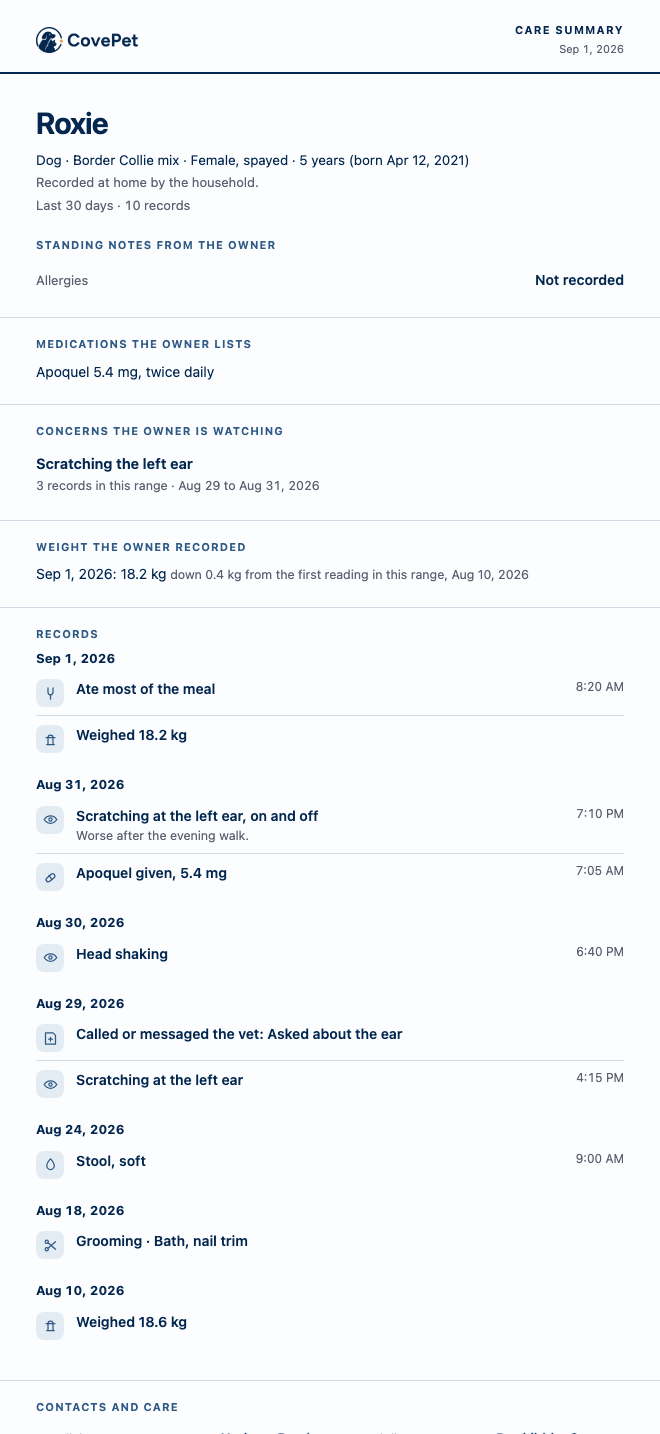
One page for the visit, behind a link you can switch off.
Choose the date range and the sections, and CovePet turns the records into one page the vet can read in a minute: essentials first, then the records by day. Share it as a PDF or a link.
Photos and video
A photo of the rash and a clip of the episode, on the record itself.
Attach photos and a video to a record, each in its own tile, so the vet sees the rash or the episode instead of hearing it described.
Works with no signal
A record saved in a field or a basement waits, then sends itself.
Save a record with no signal and it is kept on the phone. When the signal returns it sends itself, keyed so a retry never doubles it. After one sign-in the app opens without a connection.
Household
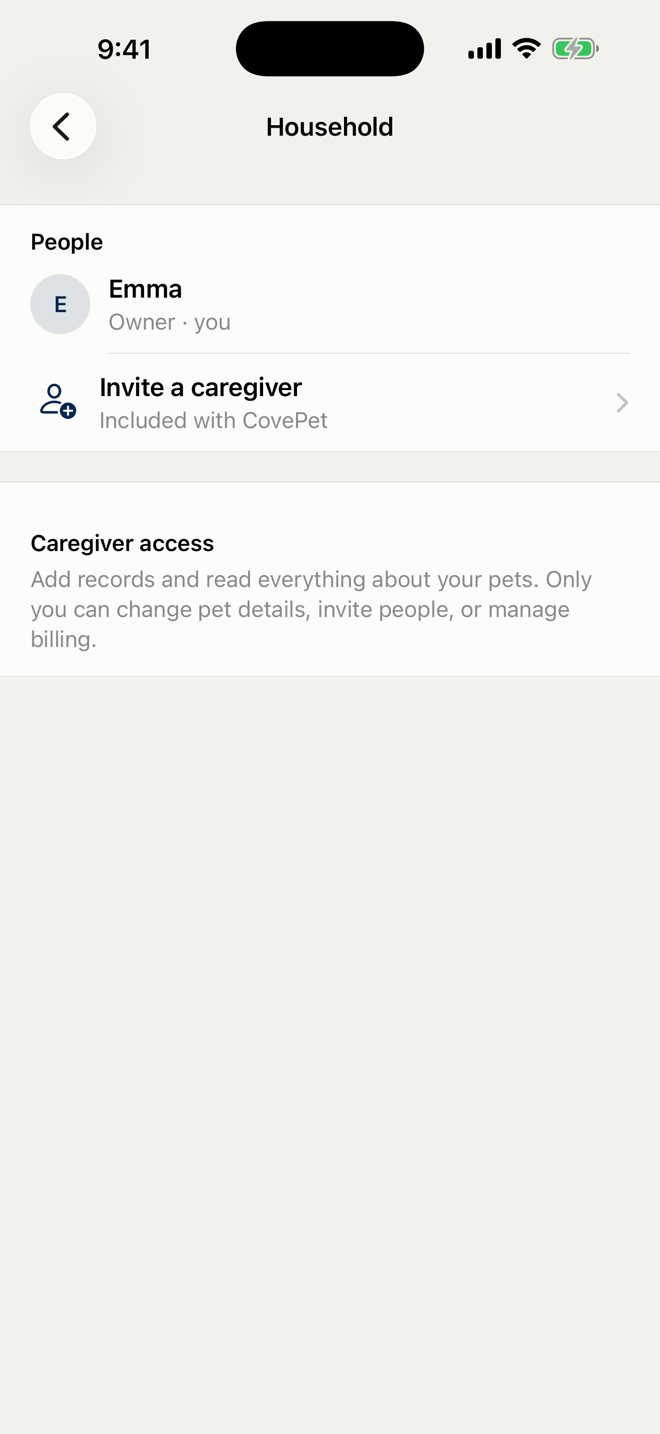
Everyone who cares for the pet, writing into one record.
On CovePet Pro, caregivers in your household write into the same record, and CovePet keeps who did what. A dose given at six is one entry in one timeline, whoever gave it.